
Getting started
From bare racks to a live map in five steps.
- 1
Fit the units
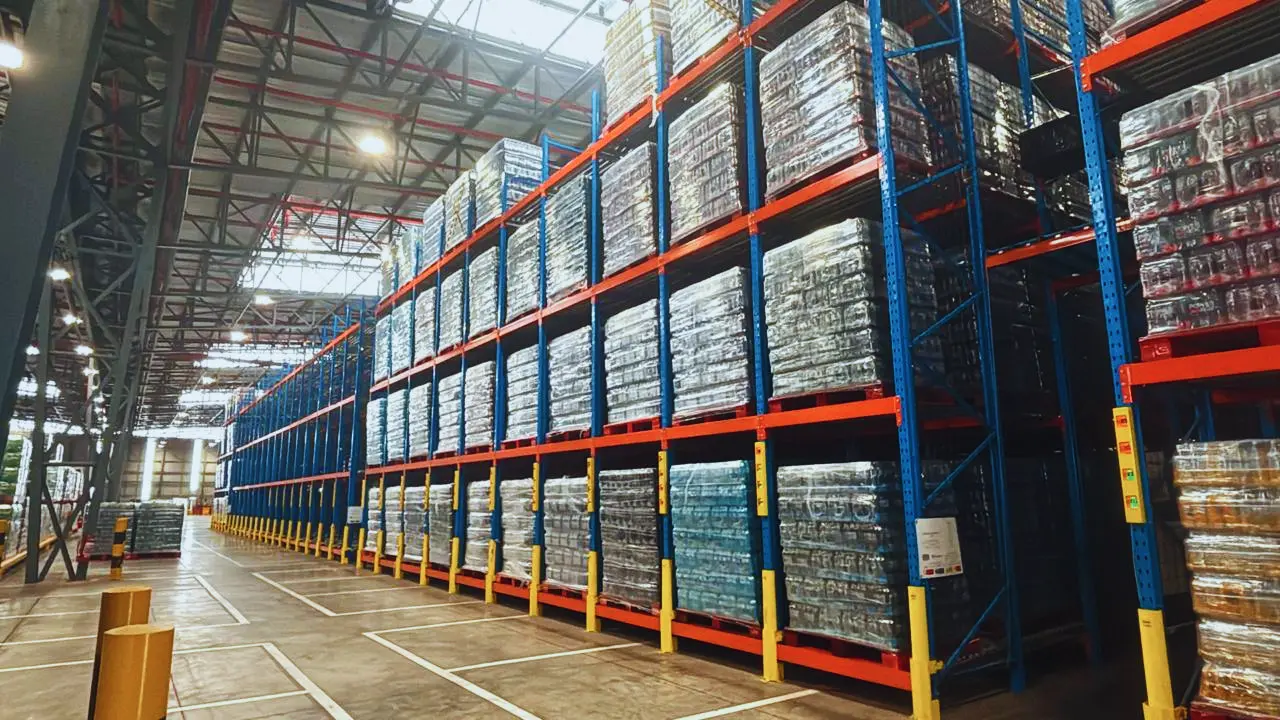
Optima Solutions fits PalleTrac units to your existing racking and links them to your account.
- 2
Draw the floor
Upload your floor plan, then drag each lane into place and size it to match.
- 3
Say what goes where
List your products with their shelf life, assign one to each lane and set the lane’s pallet limit.
- 4
Add your team
Create users, assign them to their warehouses and choose what each one can see and change.
- 5
Watch it live
From here the map, dashboard, alerts and reports keep themselves up to date.